Instagram Active Status: How It Works, How Accurate It Really Is & How To Turn It On Or Off (Deep-Dive Guide)

If you’ve ever opened Instagram late at night “just for a second” and suddenly received a DM like “Hey, I see you’re online…” then you’ve already experienced the stress that comes with Instagram Active Status. This feature, while designed to improve communication, can feel intrusive – especially when you’re trying to browse privately or avoid certain conversations.
Understanding how the feature works, how accurate the timestamps actually are, and how to change active status on Instagram is essential for protecting your privacy while still maintaining strong engagement. Whether you’re an everyday user, a content creator, or someone managing a large audience, knowing how the system tracks your online presence can help you make smarter decisions on the platform.
Let’s break everything down in detail.
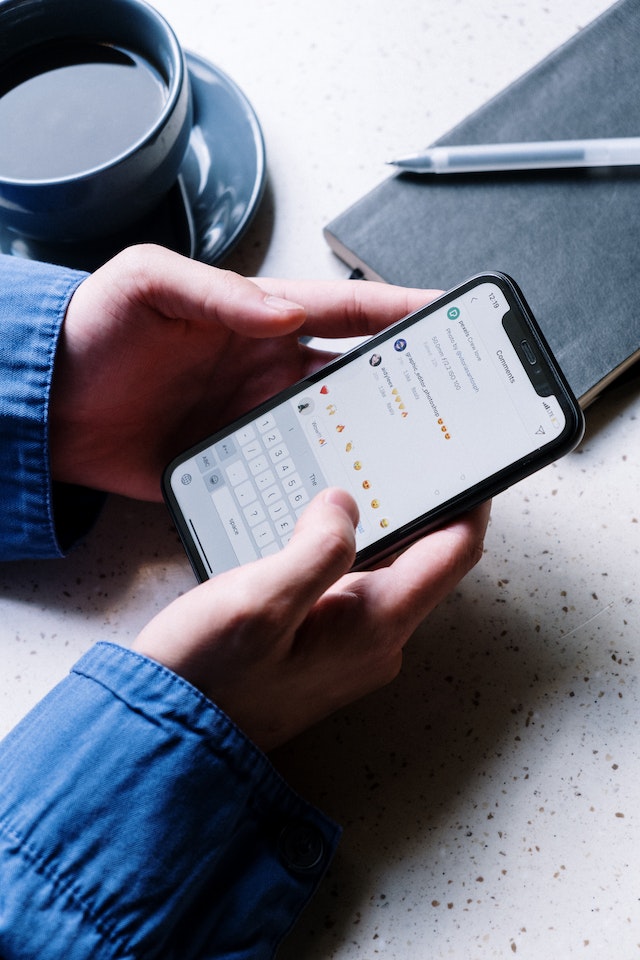
What Is Instagram Active Status – And Why It Matters
Instagram Active Status is a built-in visibility feature that shows other users when you were last online or whether you are currently active. It’s meant to make chatting smoother, create real-time interactions, and help users know the best time to message someone.
But as Instagram evolves into a hybrid social and business platform, Active Status isn’t just about chatting – it’s also tied to engagement expectations, creator responsiveness, and even brand customer service standards.
If you’re trying to track engagement and performance alongside your activity visibility, tools like the Instagram engagement rate calculator can help you monitor how activity patterns affect your numbers.
Understanding Each Instagram Activity Status (Expanded Breakdown)
Instagram offers four core activity indicators. Each tells others something different about your online habits – and each comes with its own level of accuracy.
1. Active Now
When the infamous green dot appears, it signals that you are currently online – or at least recently active. Even if you’re not scrolling at this very second, Instagram may still show “Active Now” because the app assumes you’re present if you’ve been active in the past few minutes.
For creators or brands, being marked active often correlates with higher DM responses, better interaction opportunities, and stronger engagement. If you’re working on increasing visibility, this resource is helpful: How to get more followers on Instagram.
2. Active X Minutes Ago
This status appears if you’ve left the app but weren’t away long enough for Instagram to classify you as “Today” or “Yesterday.” It’s typically considered the most precise category, though interruptions like background activity or notifications can still alter the reading.
3. Active Today
This is the least specific yet still informative. It simply means the user opened the app sometime in the last 8–24 hours. Because of the large time window, it’s less reliable for determining exact activity.
4. Active Yesterday
This status shows when someone hasn’t logged in for 24 to 48 hours. It suggests light usage or a temporary break but doesn’t offer finer details.
For those monitoring account performance or trying to understand how timing affects engagement, check out: Instagram performance metrics.

Is Instagram Active Status Accurate? (In-Depth Explanation)
One of the most common questions is: “Is Instagram Active Status accurate?” The truth is: it’s mostly accurate, but several factors make it unreliable.
Here’s why:
- Push notifications can trigger false activity: If Instagram sends a notification and your device “wakes up,” the app may momentarily register you as active – even if you never opened it.
- Background processes count as activity: If Instagram is running in the background due to a recent session or a system refresh, it may show you as recently active.
- Third-party scheduling tools create confusion: Creators using post planners or AI scheduling apps can appear online without manually opening Instagram.
- Poor network connections delay timestamps: Weak Wi-Fi or VPN interference may cause your status to update later than expected.
- Privacy settings influence visibility: If someone turns off their own Active Status – or blocks you – you won’t see accurate activity info for them.
Understanding these factors helps you interpret online indicators more realistically. Want to ensure your account performs well even when you’re not online? Start here: Increase Instagram engagement.
How To See When Someone Was Last Active on Instagram (Extended Guide)
If you want to know how to tell if someone is online on Instagram or see their last active time, you need:
- Their Activity Status turned ON, and
- Your Activity Status also turned ON
To check their last activity:
- Open Instagram
- Head to your DMs
- Select any conversation
- Look under their username for “Active now,” “Active today,” or a timestamp
This feature is often used by friends, couples, influencers, and marketers who want to send messages at optimal times. To make sure your content performs well when others are active, check out: How to boost Instagram reach naturally.
How To Turn Off Active Status on Instagram (Full, Detailed Steps)
If you prefer privacy, here’s how to change active status on Instagram and disable it entirely:
- Open Instagram
- Tap your profile
- Open the menu (three lines)
- Choose Settings and privacy
- Tap Messages and story replies
- Select Activity Status
- Turn Show Activity Status OFF
Once disabled:
- No one can see when you were last online
- But YOU also can’t see anyone else’s status
If you’re focusing on smarter, safer, long-term account management, try this resource: Secure Instagram growth guide.

Why People Hide Their Activity Status (Expanded Insights)
Millions of users disable their Active Status for reasons including:
- Wanting to browse without pressure: Sometimes you just want quiet scrolling time without expectations.
- Avoiding uncomfortable conversations: Not every DM deserves your immediate attention – or any attention at all.
- Feeling overwhelmed by constant online visibility: Social fatigue is real, especially for creators with large audiences.
- Wanting a healthier relationship with social media: Turning off Active Status creates boundaries that protect your mental well-being.
Looking to maintain growth even while staying offline? – Organic follower growth guide.
Should You Turn Off Active Status? (Balanced Pros & Cons)
Keeping It On Helps:
- Improve real-time engagement
- Increase message response rates
- Strengthen audience trust
- Signal availability to collaborators and brands
Turning It Off Helps:
- Maintain privacy
- Avoid pressure
- Reduce anxiety
- Control your availability
If your goal is to stay visible and grow your community, this is useful: Why Instagram growth matters.
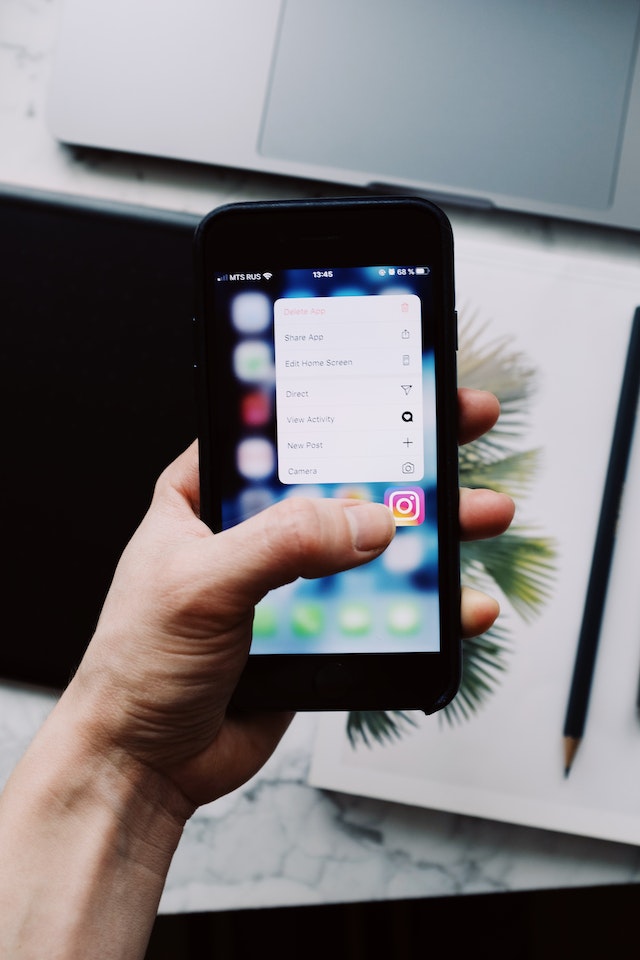
How To Turn ON Active Status (If You Changed Your Mind)
- Open the Instagram app
- Go to your profile
- Tap the menu
- Select Settings and privacy
- Go to Messages and story replies
- Tap Activity Status
- Toggle Show Activity Status ON
This makes it easier for followers to connect with you, especially if you’re maintaining a responsive presence. To improve engagement once you’re active again: Role of content in Instagram growth.
Let Hexrate Help You To Grow Your Instagram Profile
The Instagram Active Status is both a helpful communication tool and a potential privacy concern – but with the right settings, you can control exactly how visible you are.
Whether your priority is growth, privacy, engagement, or balance, you now know:
- How accurate Instagram’s activity tracking is
- How to hide when you’re online
- How to check others’ activity
- How to manage your visibility like a pro
Want to grow without sacrificing privacy? Instagram organic growth guide for real followers.
Smart marketers love Hexrate!
Start growth today.
Stop stressing about your Instagram account - our winning growth tactics are time-tested to help you achieve real results – fast & guaranteed!
Get started
Disclosure: Hexrate operates an organic Instagram growth service that appears in this comparison. We disclose this upfront and ranked all services using the same…

An Instagram engagement rate calculator is simply a tool that cuts through the noise. It measures how many people are actually interacting with your content-…
Instagram used to feel simple and predictable, almost like a casual digital scrapbook where you could post moments, follow your friends, and exchange messages without…

TL;DR — Quick Steps Open Instagram → go to your Profile → tap the menu (☰) → Settings and privacy → Account privacy…

If you’re serious about content creation, learning how to download Instagram videos is a skill you’ll eventually need. Maybe you want to: Repurpose content for…