How To Make a GIF for Instagram in a Few Simple Steps
Learning how to make a GIF for Instagram is surprisingly fun – and once you get the hang of it, it’s easy to turn anything into a shareable animation. Whether you’re exploring how to make GIFs on Instagram for Stories, Reels, or your feed, the creative possibilities are endless.
In this guide, you’ll learn how to make GIFs from videos, photos, and even Instagram content you download. You’ll also see why GIFs can strengthen your content strategy and help boost engagement. If you’re focused on growing your audience, you may also want to read about Instagram growth strategies for 2025.
GIFs don’t just add flair – they can help build your brand personality, spark more reactions, and keep users watching longer.
What Is a GIF? Learn More
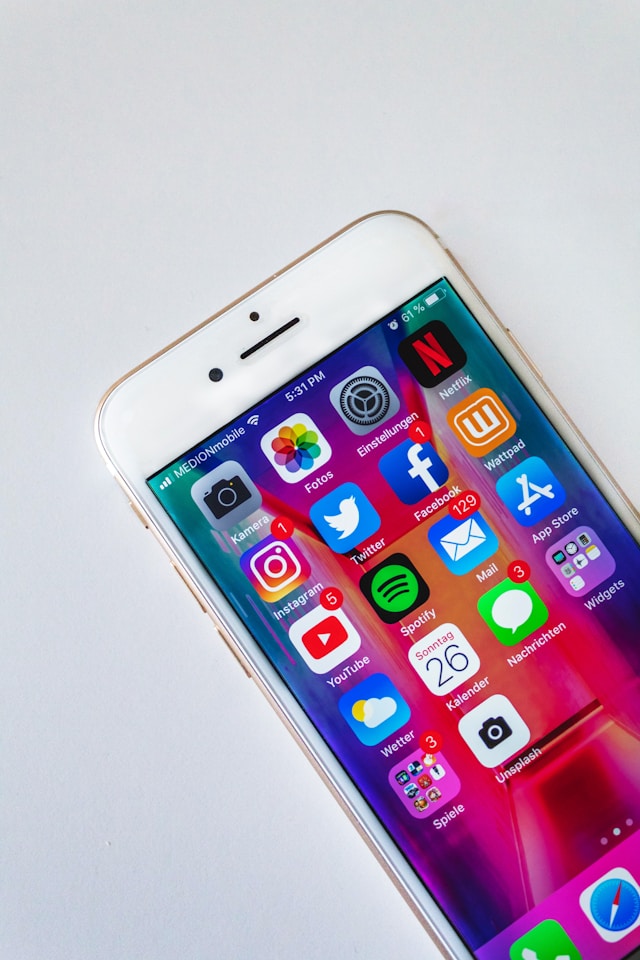
A GIF – short for Graphics Interchange Format – is a lightweight animated image format created back in 1987 by Steve Wilhite. It has become a universal language across social media.
On Instagram, GIFs act as a quick way to express humor, reactions, or emotions. They’re used daily in DMs, Stories, and Reels. Instagram even has its own built-in GIF library (thanks to GIPHY), making it easy to find something that perfectly fits your mood or aesthetic.
GIFs are simple, looping visuals – but they pack a surprising punch when it comes to engagement. If you want to better understand how this affects your overall strategy, check out your Instagram engagement rate.
How To Make a GIF from Instagram
If you want to know how to create a GIF for Instagram using Instagram videos themselves, here’s the easiest workflow:
- Download the video you want as a GIF.
- Upload it to a video-to-GIF converter (many free options exist).
- Trim the clip, adjust the loop, add text or effects.
- Export the GIF and save it to your device.
This is ideal for turning your own Stories, Reels, reactions, tutorials, and behind-the-scenes clips into branded GIFs. You can repurpose them across different platforms too – helpful if you’re working on building organic Instagram growth.
How To Make a GIF From Photos
If you’d rather create something more stylized, you can learn how to create a GIF for Instagram using photos instead of videos. This method is perfect for:
- before/after edits
- product showcases
- step-by-step processes
- outfit transitions
Here’s how:
- Collect the photos you want to animate.
- Upload them to a GIF creation tool.
- Adjust the sequence speed and order.
- Export your final GIF.
It’s a bit more work than video-based GIFs, but the visual control is unmatched.
How to add GIF to IG Story
If your goal is simply to add a GIF to your IG Story, you don’t need to create anything at all. Instagram provides tons of ready-made options.
Just:
- Open Stories.
- Tap the GIF sticker.
- Search using keywords like “funny,” “cute,” “aesthetic,” or niche-specific terms.
- Place the GIF anywhere on your Story and resize as needed.
Instagram’s library evolves constantly, so searching the same keywords over time will bring up new options. Pair GIFs with the right hashtags (learn more with our guide to Instagram tag search) for even better reach.
4 Advantages of Using a GIF on Instagram
GIFs aren’t just fun—they’re strategic. Here are four reasons they should be part of your IG content plan.
1. Entertain Your Audience
GIFs instantly add energy, humor, or emotion to your content. They take seconds to insert and can transform even simple Stories into scroll-stoppers.
To entertain your viewers effectively, you need to understand what they resonate with. Study your Instagram target audience and their behaviors so your GIF choice hits the mark.
2. They’re Easy To Create
Once you know how to make a GIF for IG, the process becomes second nature. Even beginners can create professional-looking results quickly.
Your creativity becomes your only limit – and the right editing tools can make it even easier. If you’re looking to streamline your workflow, pairing GIF content with Instagram analytics tools can help you learn what performs best.
3. Use IG’s GIF Library
Instagram’s built-in GIF search is a goldmine. You can find almost anything:
- Niche terms (fitness, travel, music, skincare)
- Reactions (happy, excited, facepalm)
- Aesthetic themes (minimal, neon, vintage)
Just make sure to rotate your choices. Using the same GIF repeatedly can look lazy and repetitive. If your audience engagement is dipping, see our guide on why Instagram engagement drops.
4. Drive Sales
GIFs aren’t just cute – they’re effective sales tools. Use them to:
- highlight product features
- animate pricing or offers
- showcase product usage
- add movement to static posts
Short animations naturally draw the eye, making them perfect for promotions. With a professional account, you can add links directly to product pages – then track their performance through Instagram Insights.
How To Create a Sticker on Instagram
Sometimes you don’t want a full GIF – you want a simple custom sticker. Instagram’s Cutouts tool makes this incredibly easy.
Here’s the step-by-step:
- Choose a Story or Reel.
- Tap Cutouts.
- Pick an image or video with a clear subject.
- Instagram automatically generates a sticker.
- If you don’t like it, generate a new one.
- Save the sticker for future use.
It’s a fun way to add personality and branding without needing animation software.
How To Make a GIF from a Video
If your question is specifically how to make a GIF from a video for Instagram, here’s your quick method:
- Choose a free (or paid) video-to-GIF converter.
- Upload your clip.
- Trim, crop, or add enhancements.
- Export and save your GIF.
- Upload to Instagram.
Video-based GIFs are usually the easiest and fastest to make. They’re perfect for turning highlight moments, transitions, or reactions into reusable GIFs.
How To Make a GIF for Instagram Without Making Mistakes
Here’s what to avoid:
- Don’t copy GIFs from competitors. Your content should feel fresh, not recycled.
- Don’t pay for GIFs unnecessarily. Free tools are more than enough.
- Don’t violate Instagram’s guidelines. It could hurt your reach or even trigger a shadowban.
- Don’t ignore your style. Keep colors, tone, and branding consistent with your feed.
If your reach has suddenly dropped, check out how to reset the Instagram algorithm.

The Right Instagram GIFs Can Transform Your Content
GIFs are fun, addictive, and incredibly powerful when used strategically. Once you learn the basics of how to make GIFs for Instagram, you’ll find yourself creating them for all types of content- from product promos to reaction Stories.
And if you want to grow your audience while improving your creative output, you don’t have to navigate Instagram alone.
Ready to Grow Your Instagram Faster? Choose Hexrate.
Hexrate is the smarter, ethical, AI-driven solution to Instagram growth. With Hexrate, you get:
- real, targeted followers
- zero bots or fake engagement
- analytics that help you grow smarter
- tools to understand your audience
- sustainable growth—not risky shortcuts
Whether you’re crafting GIFs, polishing Reels, or planning your content strategy, Hexrate helps your work reach the right people.
Get real Instagram growth with Hexrate — Start today.
Smart marketers love Hexrate!
Start growth today.
Stop stressing about your Instagram account - our winning growth tactics are time-tested to help you achieve real results – fast & guaranteed!
Get started