How To Add Multiple Photos To Instagram Story (Everything You Need To Know)

Did you know that those days are gone when you had to post just one photo to your Instagram Story? Well, now you can share multiple moments at once, whether it’s a trip, a behind-the-scenes peek, or just a fun photo dump. If you’ve ever wondered how to add multiple pictures to Instagram Story, this guide will show you how – both with grids and freeform layouts.
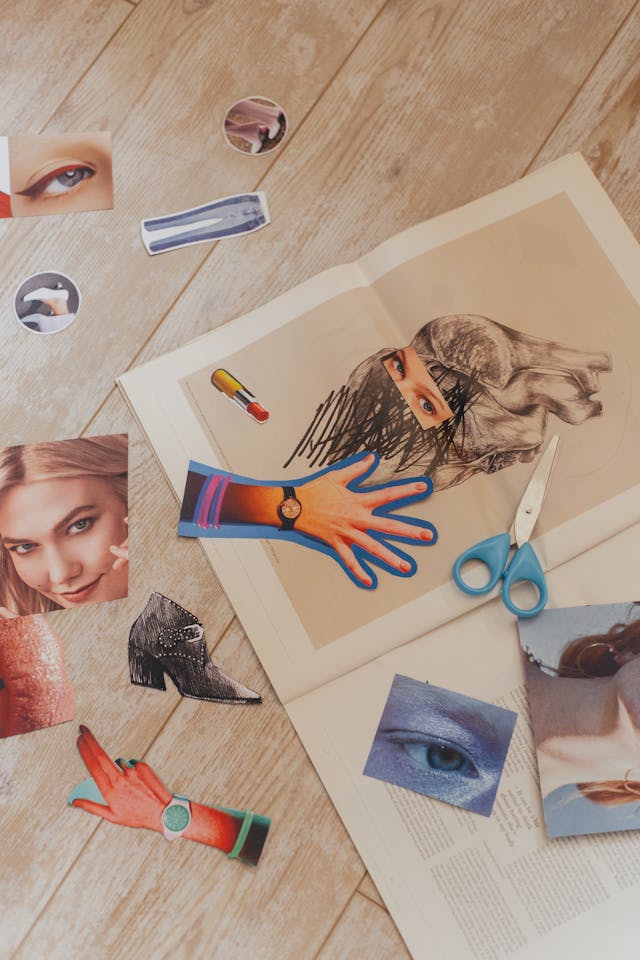
Sharing multiple photos keeps your audience engaged and makes your Stories more dynamic. Think back to school collages – Instagram lets you recreate that digitally, either with structure or creativity. Here’s how.
Create a Collage With a Grid Layout
The easiest way to post multiple photos in a Story is using Instagram’s grid layout. You don’t have to choose just one photo – you can show several at once.
Steps to put multiple pictures on one Instagram Story:
- Open Instagram and tap the Plus Sign on your profile picture.
- Select Story to open the camera.
- Tap the Layout Icon (looks like a grid) on the right.
- Choose a grid – options range from 2 to 6 sections, vertical or horizontal.
- Add photos from your camera or gallery.
- To remove a photo, tap it and select the trashcan icon.
- Resize or move photos within the grid as needed.
- Tap the Check Mark when done, then share your Story.
For more tips on improving your Story visuals, check out Turn Off Auto Enhance on Instagram.
Add Multiple Photos Without a Layout
If you prefer a more flexible, creative approach, Instagram lets you overlay photos using stickers instead of a grid. This is perfect if you want a freeform collage or overlapping effects.
Steps:
- Tap the Plus Sign and choose Create.
- Tap the Sticker Icon (smiley face in a square).
- Select Photo Sticker to add a photo from your camera roll.
- Repeat to add more images.
- Move, resize, or overlap photos to design your Story.
- Add text, doodles, or emojis for personalization.
- Tap Your Story to post.
For additional ways to maximize Story engagement, see Instagram Story Viewer.
Why You Might Want Multiple Photos in One Story
Uploading separate Stories works, but sometimes a single Story with multiple photos is more effective. Here’s when it’s useful:
- Show Growth – Side-by-side photos for fitness progress, before-and-after shots, or business achievements.
- Photo Dumps – Trips, events, or behind-the-scenes content that didn’t make the feed. Collages can also become Highlights.
- Behind-the-Scenes Content – Smaller photos allow you to share candid moments without cluttering your main feed.
Want more insight on how Stories can drive engagement? Check Instagram Insights – Your Blueprint for Social Media Triumph.
iPhone & Android Tips
Both iPhone and Android users can post multiple photos in Stories. If the feature isn’t showing up:
- Make sure your Instagram app is updated.
- Check your iOS or Android version.
- Ensure your internet connection is strong.
With the latest updates, both platforms allow full use of grids, stickers, and overlays.
For expert strategies to grow your account with Stories, see Instagram Growth Strategy 2025 – Top Secrets.
Pro Tips for Creative Multi-Photo Stories
Now that you know how to post multiple photos on Instagram Story, it’s time to get creative. A few simple tricks can make your multi-photo Stories more engaging and visually appealing:
- Mix Grid and Freeform Layouts
Combine structured grids with freeform photo stickers to create a dynamic look. For example, use a grid for your main photos and overlay smaller, fun stickers or images to highlight details. - Add Text and Emojis Strategically
Use text to guide viewers through your Story or to emphasize important details. Emojis and GIFs can also make your collage pop – just avoid cluttering the screen. - Play With Colors and Backgrounds
Use solid backgrounds, gradients, or blurred images from your gallery to make your photos stand out. Adjust the layout so your Story feels balanced and cohesive. - Leverage Highlights for Longevity
Multi-photo Stories are perfect for creating Story Highlights. Save your best collages so new followers can catch up and see multiple photos in one go. - Analyze Engagement for Better Performance
Monitor how your audience interacts with multi-photo Stories. This helps you understand what layouts, photo counts, or styles work best.
For in-depth analytics and growth strategies, check out Top 5 Instagram Analytics Tools to Help You Grow Your Audience in 2025. By experimenting with these tips, your Stories will not only look more professional but also drive better engagement from your followers. Multi-photo Stories aren’t just about posting more – they’re about telling a richer story visually.

Boost Your Instagram Growth With Hexrate
Now that you know how to post multiple photos on Instagram Story creatively, it’s time to take your account to the next level. Multi-photo Stories help engagement, but real growth requires strategy, reach, and targeted followers. That’s where Hexrate comes in.
Hexrate offers:
- AI-Powered Targeting – Reach the right audience who engages with your content.
- Influencer Tools – Leverage in-house features used by professional Instagram creators.
- Analytics & Insights – Understand what’s working and optimize your multi-photo Stories, posts, and Reels.
- Organic Follower Growth – Grow your audience without relying on bots or fake followers.
By combining your new multi-photo Story skills with Hexrate’s growth platform, you can:
- Increase your reach and Story views
- Drive higher engagement on posts and Reels
- Convert casual viewers into loyal followers
Don’t just post more photos – post smarter. Sign up with Hexrate today and watch your Instagram presence grow while you focus on creating amazing content.
Smart marketers love Hexrate!
Start growth today.
Stop stressing about your Instagram account - our winning growth tactics are time-tested to help you achieve real results – fast & guaranteed!
Get started