Who Blocked You on Instagram? It’s Time To Know!
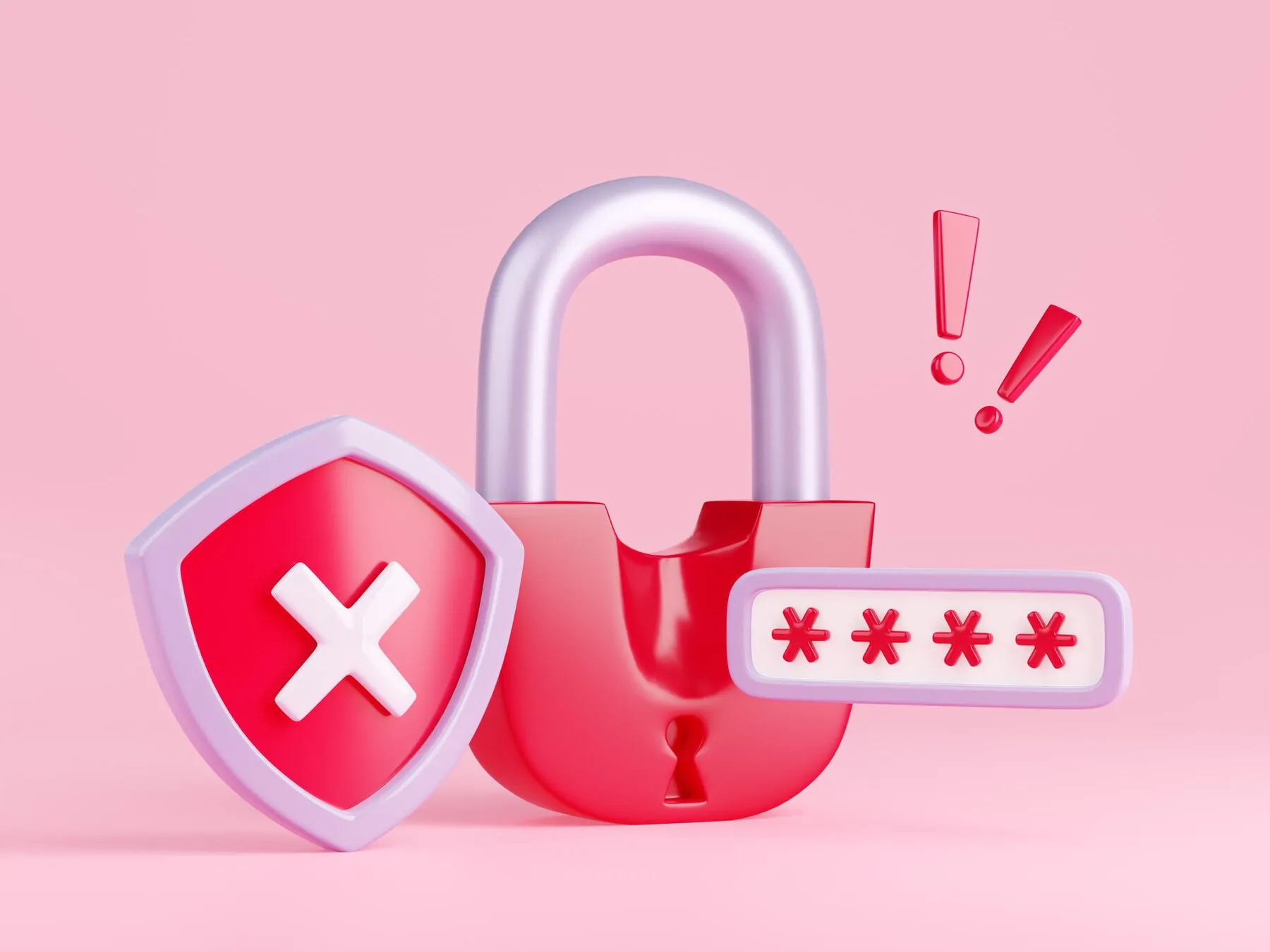
Want to find out if someone blocked you on Instagram? Instagram never sends a notification when this happens, so you’re left to piece it together from a handful of telltale signs. The good news is that a few quick checks can tell you with reasonable confidence whether you’ve been blocked, or whether the account was simply deleted or deactivated.
Below, we cover the most reliable ways to check if you’ve been blocked, how to review your own blocked list, what actually happens to an account once it’s blocked, and a few Instagram-native alternatives to blocking that are worth knowing about.
For more ideas on growing your account the right way, see our guide on organic Instagram growth methods.
3 Ways to Check If Someone Blocked You on Instagram
Instagram doesn’t have a single “you’ve been blocked” screen, so the methods below work by process of elimination. Try more than one before concluding you’ve actually been blocked.
One important caveat first: an account you can no longer find might simply have been deleted or deactivated rather than blocking you specifically. Ask a friend to search for the same account. If they can’t find it either, it’s more likely gone than blocking you.
1. Check the comments on their posts
If you can still see one of their old posts (saved, shared by someone else, or cached in your browser history), look for their username in the comments and tap it. If you land on a page that says “Sorry, this page isn’t available,” that’s a strong sign you’ve been blocked.
Test this a couple of times to rule out a temporary glitch, and if possible, have a friend tap the same username to confirm the profile loads fine for them.
2. Search for their profile directly in Instagram
Open the Instagram app or instagram.com, and type their exact username into the in-app search bar rather than a general web search engine. A web search can still surface a public profile page even if you personally are blocked from viewing it, so searching from inside Instagram (while logged into your account) is the more reliable test.
If their profile doesn’t appear in your search results at all, or opens to an empty, inaccessible page, that points to a block. As another quick check, try tagging or mentioning their username in a caption or comment — Instagram removes mutually blocked accounts from tagging suggestions, so if their name never comes up as you type it, that’s a further sign.
3. Check your direct message history
If you’ve messaged this person before, open your Instagram Direct inbox and find the old conversation. Instagram doesn’t delete existing message threads just because one side blocks the other, so the thread should still be there.
From that thread, tap their name to try to open their profile, and try sending a new message. If the profile won’t load and any new message fails to send, you’ve most likely been blocked.
How To See Who You’ve Blocked on Instagram
If you’d rather look at it from the other side, here’s how to review the accounts you’ve personally blocked, in case you want to reconsider any of them:
- Go to your profile and tap the three-line menu icon.
- Tap “Settings and privacy.”
- Under “Who can see your content,” tap “Blocked” (some app versions label this “Blocked accounts”).
- Browse the list, tap any account, and select “Unblock” if you want to reverse it.
On the desktop version of instagram.com, the same list is available from “More” in the left sidebar, then “Settings,” under the privacy section. Exact wording shifts occasionally as Instagram updates its interface, but the destination is the same blocked-accounts list either way.
How To Avoid Being Blocked on Instagram
Whether you’re running a personal account or growing a brand presence, a few habits go a long way toward staying in people’s good graces instead of their blocked list.
Business Practices To Avoid Getting Blocked
Brand accounts run a higher risk of getting blocked simply because followers are quicker to block anything that feels like unwanted advertising. A few practical guardrails:
- Target the right audience: Posting to people who actually want to hear from you cuts down on blocks dramatically. Most users don’t mind promotional content when it’s genuinely relevant to them — the problem is showing up in front of the wrong audience.
- Don’t overload on promotional posts: A feed that’s all offers and no substance gets muted or blocked fast. Mix in content people actually want to engage with.
- Make promotional posts worth seeing: When you do post an offer or giveaway, put real thought into it. Generic, low-effort promos are what push people to block an account, not the fact that it’s promotional at all.
It’s also worth remembering that some blocks aren’t a problem to solve. Instagram is broad enough that content built for one audience will inevitably not land with another, and that’s fine — effective marketing targets a specific audience rather than trying to please everyone.
Avoid Unnecessarily Controversial Content
Having opinions is fine, and some healthy debate in the comments is normal. The line to watch is tone: content that reads as dismissive or inflammatory pushes people to block rather than engage.
When you do cover a debatable topic, how you say it matters as much as what you say. Framing a take with some empathy tends to keep the conversation constructive instead of triggering a wave of blocks.
Follow Instagram’s Community Standards
Staying within Instagram’s community standards helps you avoid both individual blocks and platform-level restrictions like a shadowban. A few of the basics worth reinforcing:
- Keep content appropriate: Avoid nudity or content designed to provoke outrage. Aim for content that works for a broad, diverse audience.
- Follow the law: Harassment and threats aren’t just block-worthy, they can bring in law enforcement and get your account removed by Instagram itself.
- Be respectful of other users: Disagreement is fine; disrespect is what gets accounts blocked, even by people who’ve never interacted with you before.
These are just the highlights — Meta’s full Community Standards cover the complete policy in detail.
What Actually Happens When Someone Blocks You
Here’s what changes once you’re on the receiving end of a block:
- Messages: You can no longer send new direct messages to the person who blocked you. Existing message history stays visible in your inbox since Instagram doesn’t delete past messages just because someone blocks you. If you’re both still in the same group chat, messaging there can continue as long as the other person hasn’t left it.
- Mentions and tags: Blocking is mutual for tagging — neither of you can tag or mention the other in captions, comments, or stories once the block is in place.
- Likes and comments: Contrary to a common assumption, blocking doesn’t automatically strip out past likes and comments. According to Instagram’s own help documentation, your existing likes and comments stay on their posts unless they manually delete them.
Source: Instagram Help Center, “What happens when I block someone on Instagram?”
Alternatives To Blocking on Instagram
Blocking isn’t the only tool for managing unwanted interactions. Instagram has a couple of lighter-touch options worth knowing, both because you might want to use them and because they explain some situations that look like a block but aren’t.
Remove Them as a Follower
Instead of blocking, you can quietly remove someone as a follower from your followers list. If your account is private, this cuts off their access to your posts without the more visible step of a full block.
It also affects Stories specifically: only current followers can see your Stories, regardless of whether your account is public or private, so removing a follower quietly cuts them out of that content too.
Restrict Instead of Block
Instagram’s “Restrict” feature is a quieter alternative to blocking, designed for situations like unwanted comments without the other person knowing you’ve taken action. When you restrict someone:
- Their comments stay hidden from everyone but them unless you choose to approve a comment for public visibility.
- Their DMs land in your message requests without an in-app notification, and they can’t see your activity status or read receipts.
- They can still see your profile, posts, and stories normally — that’s the key difference from blocking, which cuts off access entirely.
It’s worth using Restrict when you want to de-escalate quietly rather than signal that you’ve blocked someone outright.
Other Restrictions
Instagram also lets you limit smaller signals without a full block — for example, hiding your online status or turning off read receipts for direct messages. These settings live under “Settings and privacy” and get updated periodically, so it’s worth checking back occasionally for new privacy controls.
Should You Keep Track of Who Blocks You?
Keeping a mental note of who’s blocked you can be a useful diagnostic, especially for accounts that post publicly or run a business presence. It can help you notice patterns, like content or tone that consistently alienates a segment of your audience, so you can adjust going forward.
That said, don’t treat every block as a personal referendum. Some blocks are simply a mismatch between your content and that particular viewer, and that’s a normal part of posting to a broad platform.
If you’re focused on building a healthier, more engaged Instagram audience overall, Hexrate gives you the fuller picture: a daily action plan based on your real performance data, tools to vet creators and audiences before you work with them, and reporting that shows what’s actually resonating — so the people who do follow you are the right fit to begin with.
Smart marketers run Instagram with Hexrate!
See what it can do for you.
Pulse, Discover, Campaigns, and Reports & Media Kit — one platform for your whole Instagram workflow. No follower-count promises, just real data.
Get started
Engagement rate is the single most-quoted Instagram metric, and also the one most people calculate slightly differently without realizing it. The formula itself takes thirty…

Two accounts can both sit at 50,000 followers and be worth almost nothing alike to a brand. One has an audience that opens every post,…

A post with 10,000 likes looks like a win. Whether it actually moved the needle for a brand depends on who those 10,000 accounts are,…
Instagram’s native Insights tool gives every professional account a genuinely useful analytics dashboard for free — the problem is that most people open it, glance…
Instagram Insights shows both “reach” and “impressions” on nearly every post, and it’s easy to treat them as interchangeable — bigger numbers, good post. They’re…
 English
  Español
  Deutsch
  Română
  Français
  Italiano
  Polski
  Português
  Українська
  Русский
  Lietuviškai
  Türkçe