
Social Media Management Tools for Small Business: 12 Best

Running a small business means wearing many hats — and social media manager is one of the most demanding. Between creating content, scheduling posts, and engaging with your audience, it’s easy to feel overwhelmed. That’s where social media management tools for small business come in. They streamline your workflow, provide valuable data, and free you up to focus on what matters most: growing your brand.
But with so many options, how do you choose the right one? This guide cuts through the noise. We’ve compared 12 platforms — schedulers, full-stack suites, and a couple of research resources — detailing their core features, pricing, and ideal use cases with real screenshots and direct links, so you can find the right fit for your team size and budget.
That’s the case for a dedicated tool in a nutshell: less manual busywork, more time actually spent on strategy. Let’s get into the 12 tools.
1. Hexrate
Hexrate takes a different approach from the pure schedulers on this list: it’s an end-to-end Instagram marketing platform built around five pillars rather than a single publishing calendar. Pulse turns your account data into a daily action plan — what to post, what to answer, what changed — so you’re not guessing which of your efforts is actually working. Discover is a creator directory with profile audits (follower quality, suggested rate, profile health) for finding and vetting collaborators. Campaigns tracks hashtag and mention performance with a UGC vault and reach/CPM/CPE reporting, and Reports & Media Kit generates white-label reports and a public media kit at your @username.
For a small business that’s already juggling a scheduler and a separate analytics tool, the appeal is consolidation: audience insight, creator discovery, targeted reach, campaign tracking, and client-ready reporting live in one dashboard instead of five browser tabs.
Key Features & Use Cases
- Pulse: a daily, data-driven action plan for what to post and respond to next.
- Discover: creator directory with follower-quality and profile-health audits.
- Campaigns & Reports: hashtag/mention tracking, a UGC vault, and white-label reports with a public media kit.
Best for: creators, influencers, and small brands who want audience insight, creator discovery, and reporting in one platform instead of stitching several tools together.
Website: Hexrate
| Pros | Cons |
|---|---|
| Combines analytics, discovery, targeting, campaigns and reporting in one dashboard | Newer entrant than the established schedulers on this list |
| Never asks for your Instagram password | Focused on Instagram specifically, not a cross-network scheduler |
| Reach-focused targeting rather than a bought-follower model | Best suited to Instagram-first businesses and creators |
| Risk-free 7-day money-back window | No native post-scheduling calendar like Buffer or Later |
2. Hootsuite
Hootsuite is one of the most established and comprehensive social media management tools for small business owners who need an all-in-one solution. It centralizes publishing, engagement, analytics, and monitoring into a single dashboard, saving you from juggling multiple browser tabs. Its longevity in the market has resulted in a mature, robust platform with a vast ecosystem of app integrations, making it highly customizable to your specific workflow needs.
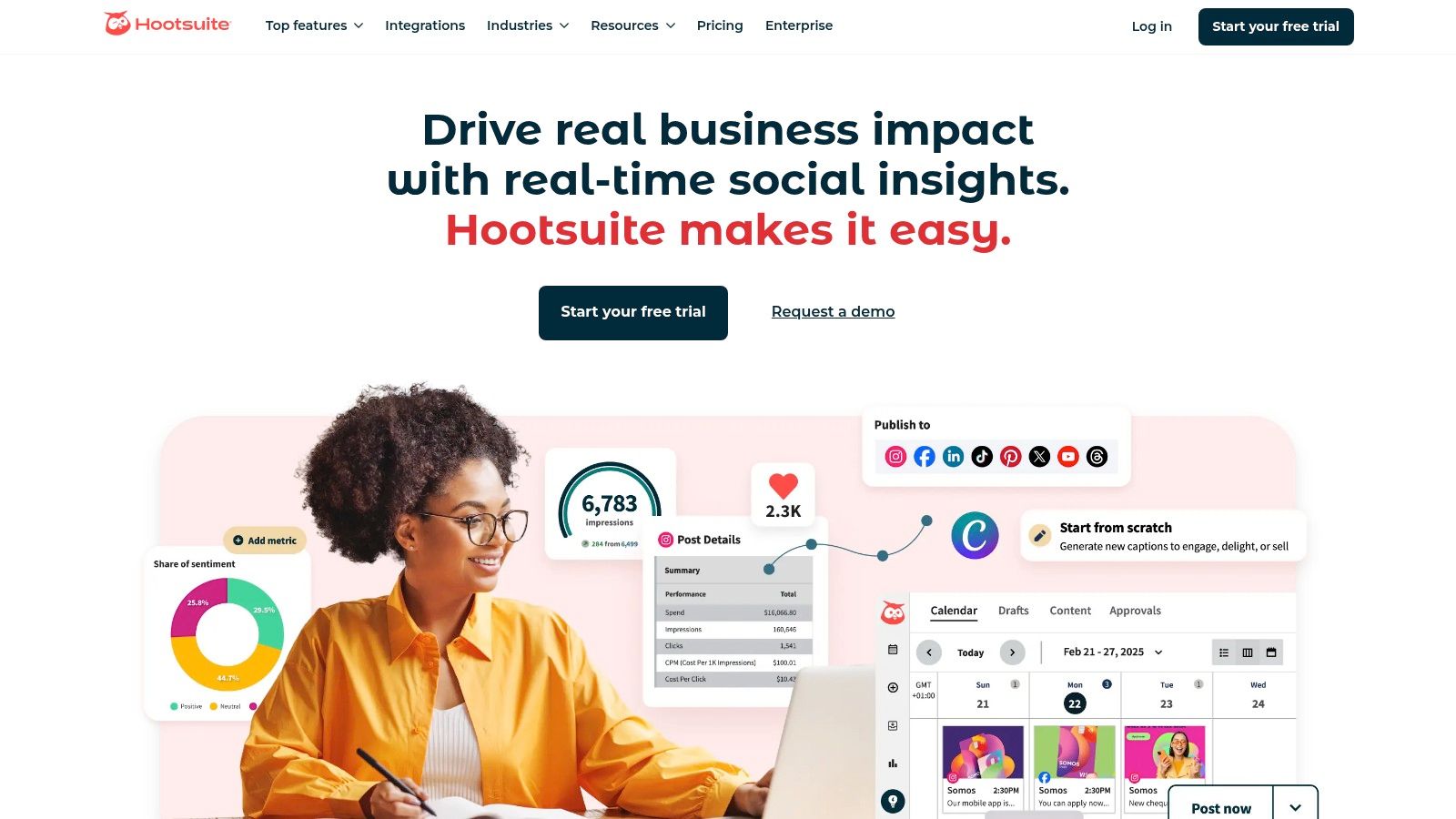
What really sets it apart is the extensive educational support through Hootsuite Academy — useful for teams looking to learn social strategy, not just use a tool. The platform also offers AI-powered features for writing captions and finding the optimal time to post, removing a lot of the guesswork.
- Best For: Businesses scaling up, teams needing extensive training resources, and nonprofits.
- Pros: Wide integrations, strong educational support, and a unified inbox.
- Cons: Pricing can feel complex and may be heavy for very small, solo operations.
- Link: Hootsuite
3. Buffer
Buffer is celebrated as one of the most intuitive and clean social media management tools for small business owners who prioritize a straightforward publishing experience. It strips away complexity, offering a lightweight and focused platform for scheduling content across various networks. Its queue-based system lets you pre-load content that gets published automatically over time, making it incredibly simple to maintain a consistent online presence without constant manual effort. Pricing is per connected channel, which is a significant advantage for startups and solo entrepreneurs who only need a couple of accounts covered.
Buffer’s free plan currently covers up to 3 connected channels with 10 scheduled posts each — a real starting point without any financial commitment. Its AI assistant helps you refine captions, and for small businesses looking to sharpen their content’s reach, an Instagram tag search is a useful companion for finding the right hashtags to pair with a scheduled post.
- Best For: Solo entrepreneurs, creators, and small businesses needing a simple, low-cost scheduler.
- Pros: Extremely user-friendly interface, a genuinely usable free plan (3 channels), transparent 50% nonprofit discount.
- Cons: Less robust analytics and engagement features compared to larger platforms; advanced tools require higher tiers.
- Link: Buffer
4. Sprout Social
Sprout Social is a premium, full-stack platform designed for businesses that treat social media as a core revenue driver. It offers a sophisticated suite of tools combining scheduling, a unified smart inbox, and advanced listening capabilities. For small businesses ready to invest in data, Sprout Social delivers some of the most robust analytics and reporting features on the market, making it an excellent choice for teams needing to prove ROI and refine their strategy with precision — a commissioned Forrester study found customers cut reporting time by 80% after switching (see the stats above).
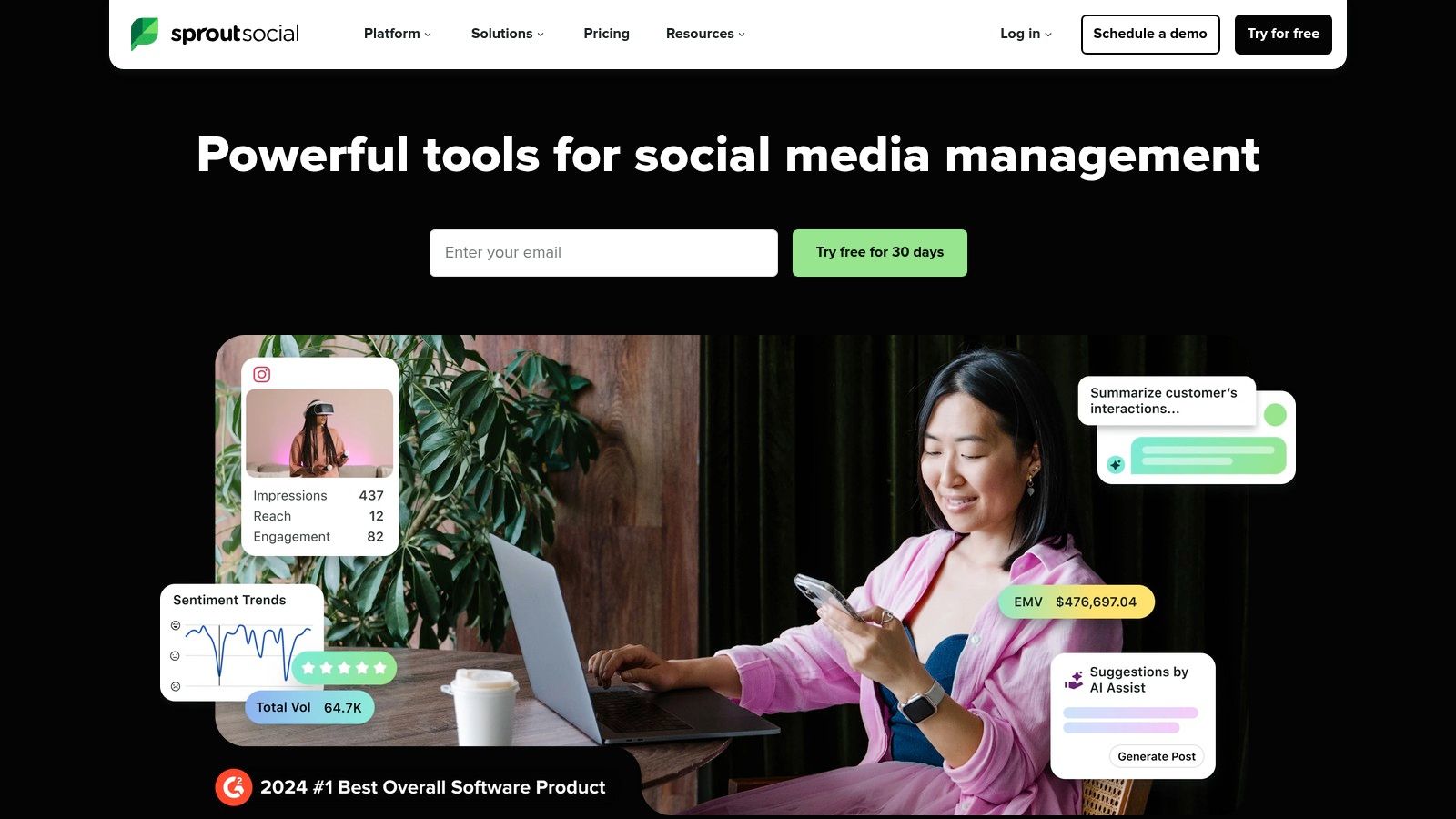
What sets Sprout Social apart is its enterprise-grade reporting and deep customer care focus. Its AI Assist helps create content, but its real strength is managing engagement at scale using detailed competitor analysis and team collaboration workflows — data that’s genuinely useful for comparing Instagram analytics tools more broadly. The platform is built for teams that require exportable data and seamless approval processes.
- Best For: Data-driven teams, agencies, and businesses scaling their customer service on social media.
- Pros: Enterprise-grade reporting, excellent collaboration tools, and a 30-day free trial.
- Cons: Higher per-user pricing can be costly for larger teams on a tight budget.
- Link: Sprout Social
5. Later
Later is a visual-first social media management tool perfect for small business owners who rely heavily on platforms like Instagram and TikTok. Its core strength lies in its intuitive drag-and-drop visual calendar, which allows you to see exactly how your content grid will look before you publish. This makes it an invaluable asset for maintaining a specific brand aesthetic, a crucial factor for visually driven businesses. The platform simplifies planning, scheduling, and auto-publishing content across major networks.

What really makes Later stand out for eCommerce is its Link-in-bio feature and product tagging capabilities. These tools transform your visual feed into a shoppable gallery, driving direct sales. The platform also helps you plan around the best times to post on Instagram to get more out of each scheduled slot.
- Best For: eCommerce brands, creators, and businesses prioritizing Instagram and TikTok.
- Pros: Excellent visual planning workflow, strong Link-in-bio tool, and straightforward pricing.
- Cons: Advanced analytics are reserved for higher-tier plans, and post limits on lower tiers can be restrictive.
- Link: Later
6. Agorapulse
Agorapulse is a powerful and user-friendly social media management tool that strikes an excellent balance between robust features and ease of use. It shines with its unified social inbox, which consolidates comments, ad comments, and direct messages into one streamlined feed, making it ideal for businesses that run paid social campaigns and need to manage engagement efficiently. The platform is designed to provide clear, actionable insights into your social media performance and ROI.
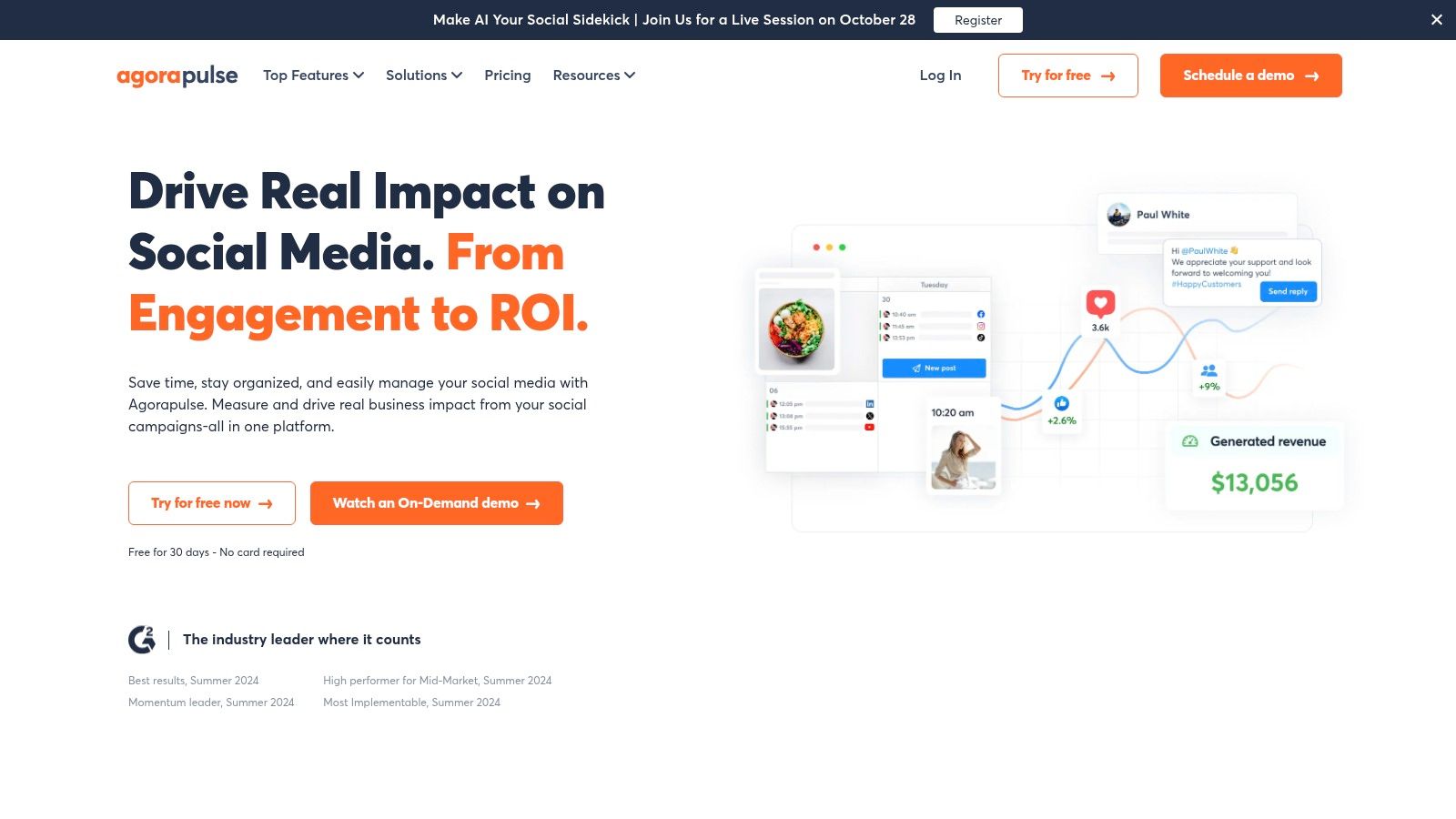
What sets Agorapulse apart is its clean interface and exceptional customer support, making it less intimidating than some competitors. It offers detailed reporting that helps you connect your social efforts to real business outcomes, like tracking your Instagram engagement rate. The team collaboration and content approval workflows are particularly valuable for growing teams.
- Best For: Small to medium-sized businesses, agencies, and teams managing paid social ad engagement.
- Pros: Excellent unified inbox, strong ROI reporting, and responsive customer support.
- Cons: Per-user pricing can become costly for larger teams, and some advanced features require add-ons.
- Link: Agorapulse
7. Sendible
Sendible is a powerful social media management tool for small business and agency teams who require robust collaboration features. It’s built around workflows that include post assignments, approval queues, and client-specific dashboards, making it easy to manage multiple brands or team members. The platform simplifies content creation with direct integrations to Canva, Google Drive, and Dropbox, and its Smart Queues feature automates content recycling for evergreen posts, ensuring your profiles remain consistently active.
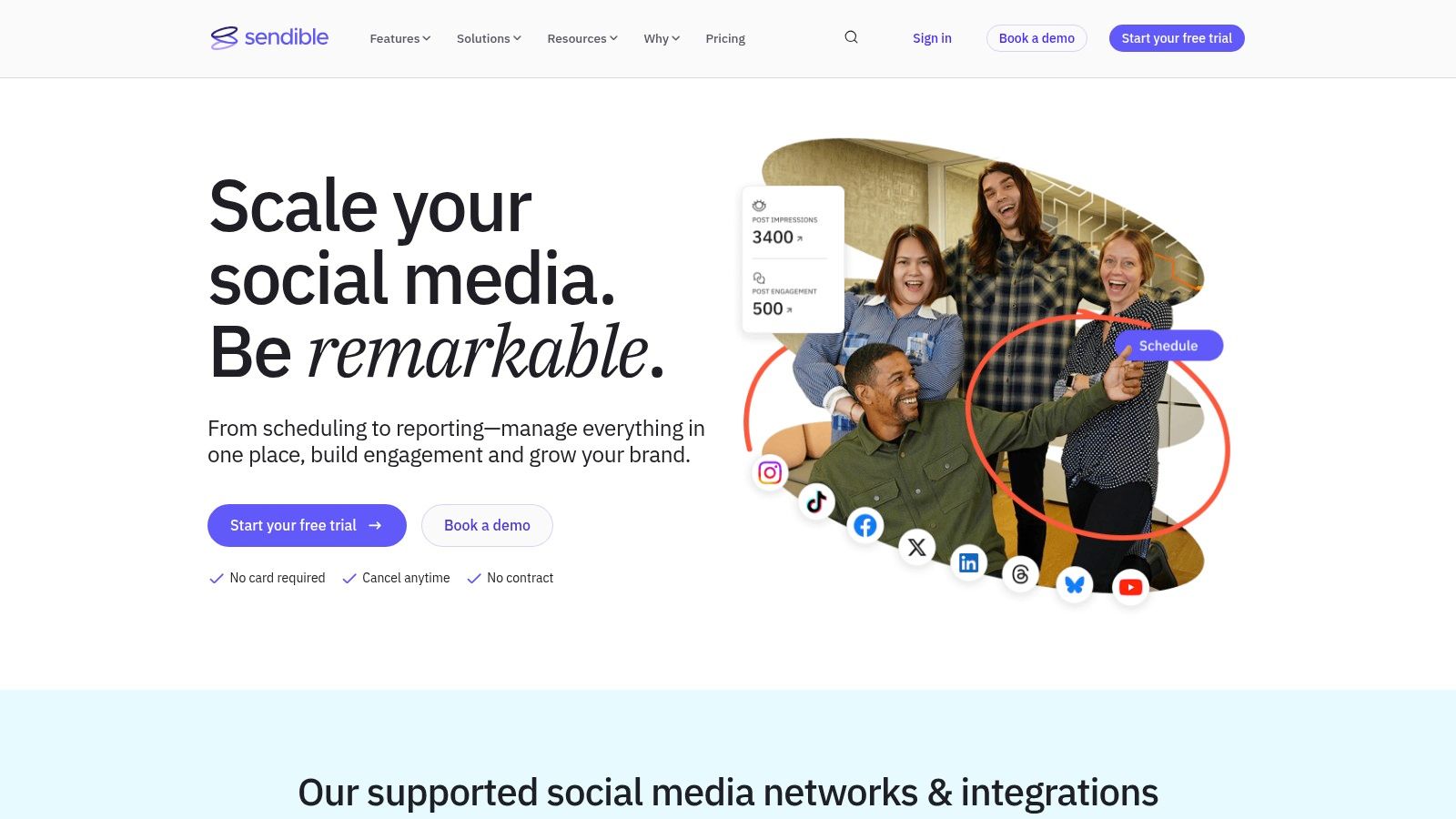
What makes Sendible stand out for small agencies is its optional white-label solution, allowing you to present its powerful reporting tools under your own brand. Its automated reports and team-focused features are designed to demonstrate value and streamline client management. For teams just getting started, the user-friendly interface and bundled plans provide a scalable solution that grows with your business or client roster.
- Best For: Small agencies, marketing teams, and businesses managing multiple brand profiles.
- Pros: Plans include bundled users/profiles, strong collaboration and approval features, and a user-friendly interface.
- Cons: White-labeling is a paid add-on for higher tiers, and customer support hours are UK-based.
- Link: Sendible
8. SocialPilot
SocialPilot emerges as a powerful, cost-effective contender among social media management tools for small business owners and agencies needing to manage numerous accounts without breaking the budget. It offers a comprehensive suite of features including bulk scheduling, a unified social inbox, and client management tools. Its core strength lies in providing generous account limits and user seats at price points that are significantly more accessible than many competitors, making scalability a key advantage.
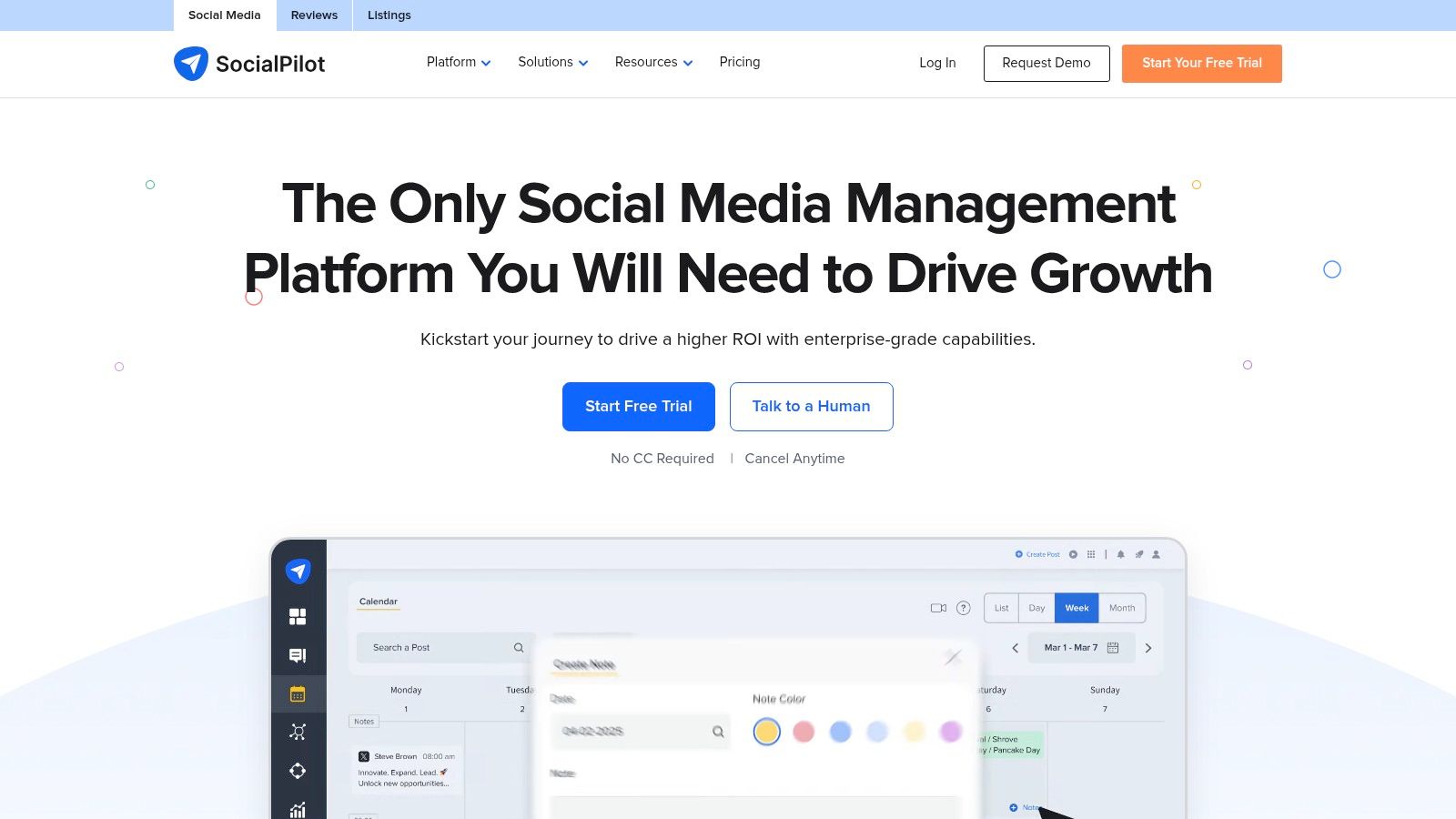
What makes it stand out is its balance of affordability and robust functionality, especially for teams. The platform provides detailed analytics and white-label reporting options, which are perfect for agencies demonstrating value to clients. It offers a 14-day free trial with no credit card required, and the inclusion of AI-powered content creation tools simplifies the entire workflow from start to finish.
- Best For: Marketing agencies, small businesses with multiple locations, and budget-conscious teams.
- Pros: Competitive pricing with generous profile limits, scales well from solo users to agencies, and offers a no-card-required free trial.
- Cons: The user interface and integration library are solid but not as extensive as top-tier competitors.
- Link: SocialPilot
9. Zoho Social
Zoho Social stands out as an excellent, budget-friendly choice for small businesses already invested in the Zoho ecosystem. It offers a publishing calendar, monitoring dashboards, and direct messaging, integrated with other Zoho products like Zoho CRM. This connection provides a unified view of your customer interactions, turning social media conversations into actionable leads and support tickets without ever leaving the platform.
Zoho Social’s forever-free plan covers 1 brand across up to 6 channels, though scheduling and analytics require a paid tier — worth knowing before you count on the free plan for day-to-day publishing. For teams already in the Zoho suite, the deep CRM integration and role-based access controls remain the strongest reasons to choose it over a standalone scheduler.
- Best For: Businesses using the Zoho suite, budget-conscious teams, and agencies needing client portals.
- Pros: Forever-free entry tier, deep integration with Zoho CRM, and clean user interface.
- Cons: Free plan lacks scheduling/analytics; add-ons for extra brands can increase costs on paid tiers.
- Link: Zoho Social
10. Metricool
Metricool is an incredibly accessible and data-rich platform, making it one of the best social media management tools for small business owners and creators who need powerful analytics without a hefty price tag. It combines scheduling, competitor analysis, and ad management into a clean, unified dashboard. This focus on integrated data allows you to see the full picture of your marketing efforts, from organic post performance to paid ad results, all in one place.
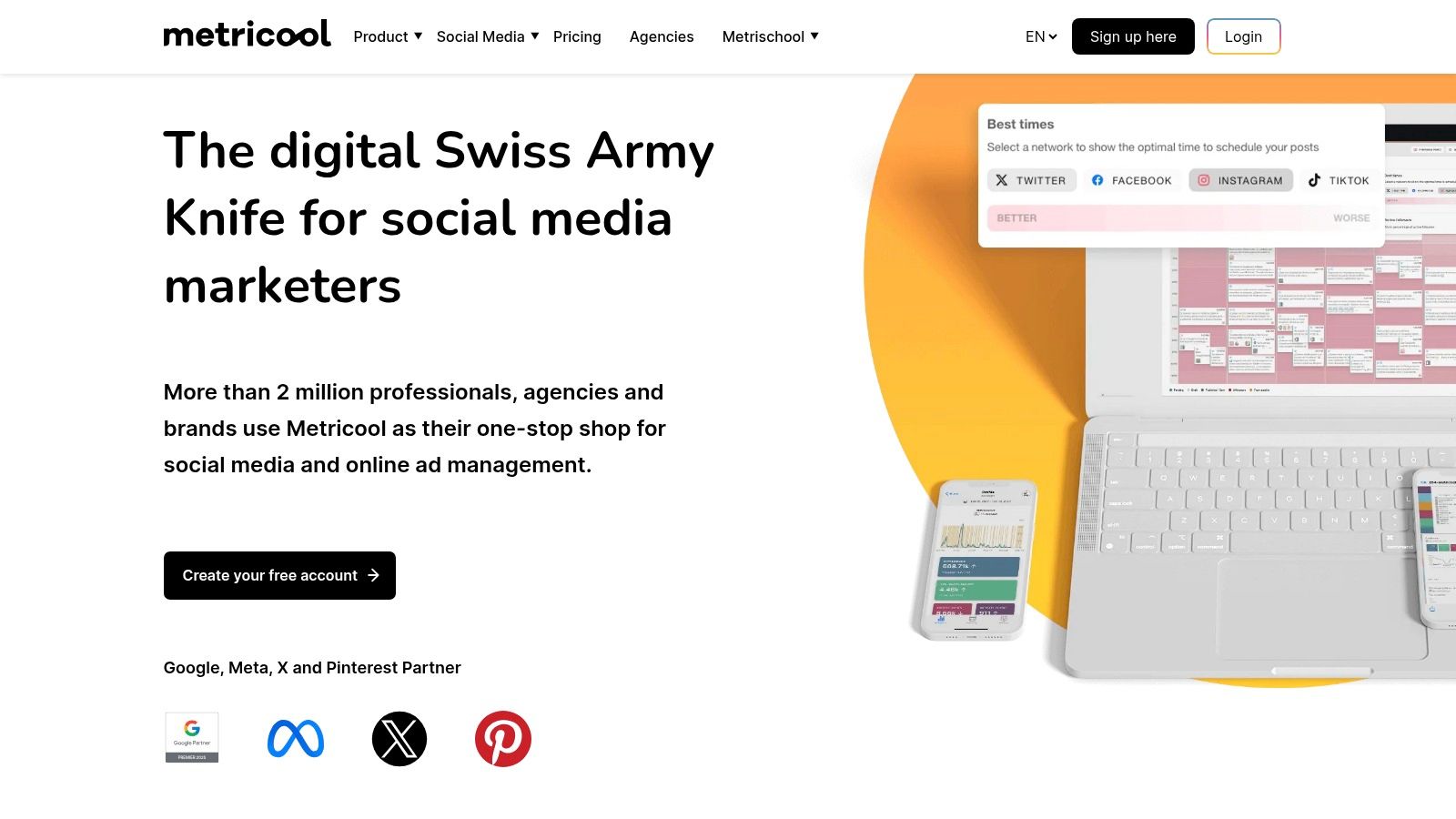
What makes Metricool stand out is its blend of affordability and comprehensive reporting capabilities. Its downloadable reports are professional and easy to understand, perfect for demonstrating ROI to clients or stakeholders. The free plan currently covers one brand with up to 20 scheduled posts a month; LinkedIn and X connections and multi-brand support require a paid tier. For a broader comparison of options, our roundup of Instagram analytics tools covers where it fits among the alternatives.
- Best For: Freelancers, small agencies, and data-driven creators.
- Pros: Very affordable entry price, strong analytics and ad connectors, and unlimited data history.
- Cons: The free plan has significant network limitations, and some integrations require higher-tier plans.
- Link: Metricool
11. Meta Business Suite (Facebook/Instagram)
For small businesses heavily invested in the Meta ecosystem, the native Meta Business Suite is an essential, no-cost starting point. It directly integrates Facebook, Instagram, and Messenger management into one dashboard, offering a streamlined workflow for publishing, scheduling posts, and managing customer interactions. This direct pipeline to Meta’s backend provides access to features like product tagging, appointment booking, and seamless integration with Ads Manager, making it one of the most practical social media management tools for small business owners focused on these platforms.
What makes it unique is its deep, native integration. You get a unified inbox for comments and DMs across both platforms, plus basic but useful performance analytics — a genuinely free option for businesses that live primarily on Facebook and Instagram.
- Best For: Small local businesses, eCommerce brands, and creators focused primarily on Facebook and Instagram.
- Pros: Completely free, deep native feature integration, and unified inbox for Meta platforms.
- Cons: Limited to only Meta properties and the interface can sometimes be buggy or change unexpectedly.
- Link: Meta Business Suite
12. G2 (Social Media Suites category)
While not a tool itself, G2 is an indispensable software marketplace for finding the right platform for your needs. It acts as a massive, user-reviewed directory where you can compare dozens of social media management tools for small business side-by-side. Instead of relying solely on marketing claims, you can read honest, in-depth reviews from actual users to understand real-world performance and limitations. This peer-driven approach provides a layer of transparency that vendor websites often lack.
What makes G2 stand out is its powerful filtering system. You can narrow down options specifically for the “Small Business” segment, ensuring the tools you see are relevant to your scale and budget. Use its comparison grids and verified user ratings to make a data-backed decision before committing to a free trial.
- Best For: Businesses in the research phase, comparing top contenders, or verifying vendor reputation.
- Pros: High volume of current user reviews, powerful comparison charts, and filters for business size.
- Cons: Sponsored listings can influence visibility, and listed pricing may not always be up-to-date.
- Link: G2 Social Media Suites
Top 12 Social Media Management Tools Comparison
| Product | Core features ✨ | Rating ★ | Target audience 👥 |
|---|---|---|---|
| Hexrate | Pulse action plans, creator discovery, AI-driven reach targeting, campaign tracking, white-label reports | ★ New entrant (Instagram-focused) | 👥 Creators, influencers, Instagram-first brands |
| Hootsuite | Scheduling, unified inbox, listening, analytics, large app ecosystem | ★ High (mature) | 👥 SMBs, agencies, teams needing breadth |
| Buffer | Queue-based scheduler, link-in-bio, basic analytics, AI assist | ★ Good (easy) | 👥 Solo creators, very small teams, nonprofits |
| Sprout Social | Deep analytics, smart inbox, collaboration, exportable reports | ★ High (premium) | 👥 Mid-market & enterprise teams, social care |
| Later | Visual calendar, auto-publish, IG product tagging, UGC tools | ★ Good (visual) | 👥 Visual brands (fashion, food, travel), small teams |
| Agorapulse | Unified inbox (organic + ad comments), publishing, ROI reporting | ★ Good (inbox-focused) | 👥 SMBs with paid campaigns, agencies |
| Sendible | Team workflows, client dashboards, approvals, white-label option | ★ Good (agency-friendly) | 👥 Agencies, consultancies, client managers |
| SocialPilot | Bulk scheduling, approvals, AI credits, white-label reports | ★ Good (value) | 👥 Agencies, multi-location brands, price-sensitive teams |
| Zoho Social | Publishing calendar, listening, role-based access, Zoho CRM integration | ★ Good (value) | 👥 Businesses using Zoho, SMBs seeking value |
| Metricool | Visual calendar, competitor tracking, ads connectors, reports | ★ Good (affordable) | 👥 Creators, small agencies, brands needing ad analytics |
| Meta Business Suite | Cross-posting, unified inbox, basic insights, Ads Manager links | ★ Fair (basic/native) | 👥 Local SMBs and businesses focused on Facebook/Instagram |
| G2 (Social Media Suites) | Vendor comparisons, filters, user reviews, direct vendor links | ★ N/A (marketplace) | 👥 Buyers researching vendors, procurement teams |
Making Your Final Choice
Navigating the landscape of social media management tools for small business can feel overwhelming, but the power they unlock is undeniable. We’ve explored a range of platforms, from comprehensive suites like Hootsuite and Sprout Social to visually-focused schedulers like Later and all-in-one analytics hubs like Metricool. The key takeaway is that there is no single “best” tool — only the best tool for your specific business goals, budget, and workflow.
Your next step is to move from research to action. Before committing to a subscription, leverage the free trials offered by most of these platforms. Connect your social accounts, schedule a week’s worth of content, and analyze the user experience. Does the dashboard feel intuitive? Does the workflow save you time or create new headaches? Answering these questions through hands-on testing is the most reliable way to make a confident decision.
Whichever scheduler or suite you land on, it’s only a vehicle for your strategy. If you’re an Instagram-first business or creator looking to round it out with audience insight, creator discovery, and campaign reporting in one place, that’s exactly where Hexrate fits — as a complement to your scheduler, not a replacement for good content.
Want one platform that covers Instagram analytics, creator discovery, targeting, campaigns, and reporting instead of juggling five apps? See what Hexrate includes and try it risk-free for 7 days.
Smart marketers run Instagram with Hexrate!
See what it can do for you.
Pulse, Discover, Campaigns, and Reports & Media Kit: one platform for your whole Instagram workflow. No follower-count promises, just real data.
Get started
Instagram engagement rates fell again this year, shares passed likes as a ranking signal, and carousels pulled further ahead of Reels. Here is what the…

What the data actually says about caption length, hooks, CTAs, emojis, and hashtags, so creators can stop guessing and start writing captions that earn comments.

Learn how to find Instagram influencers who match your best-performing partner on audience, engagement and format, not just niche or follower count.

A look at where influencer fraud actually costs brands money, how common it is, and the checks that catch it before a contract is signed.

What the FTC actually requires for sponsored content disclosures on Instagram, and what brands and creators risk by getting it wrong.
 English
  Español
  Deutsch
  Română
  Français
  Italiano
  Polski
  Português
  Українська
  Русский
  Lietuviškai
  Türkçe